
Malwarebytes for Android 5.30.0+572
5.30.0+572 · Malwarebytes · Page updated
Malwarebytes for Android is an anti-malware app that scans your phone for malicious and unwanted apps and helps you remove them.
Rate Malwarebytes
Average 0.0 · ratings: 0
Thank you! Your rating is saved; you can change it. Could not save the rating. Please try again later. Too many ratings from your network today. Please try again tomorrow. The average appears after 5 ratings.
Screenshots
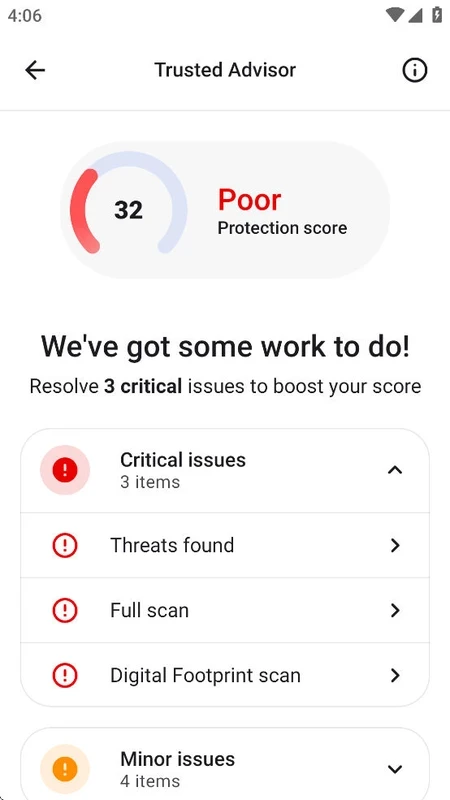
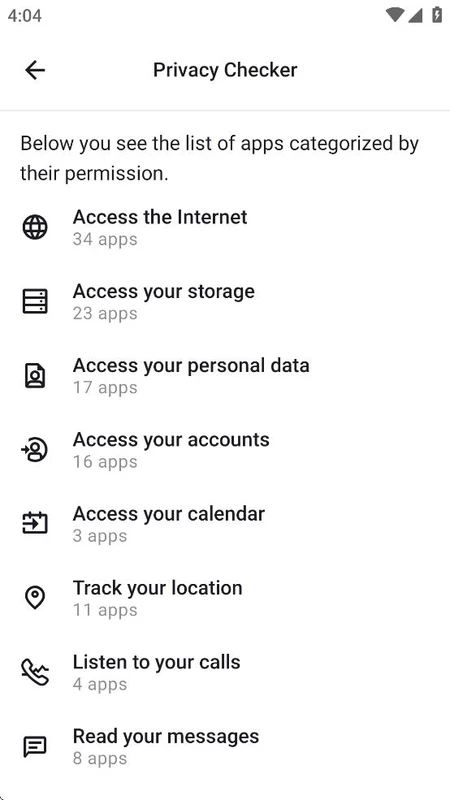
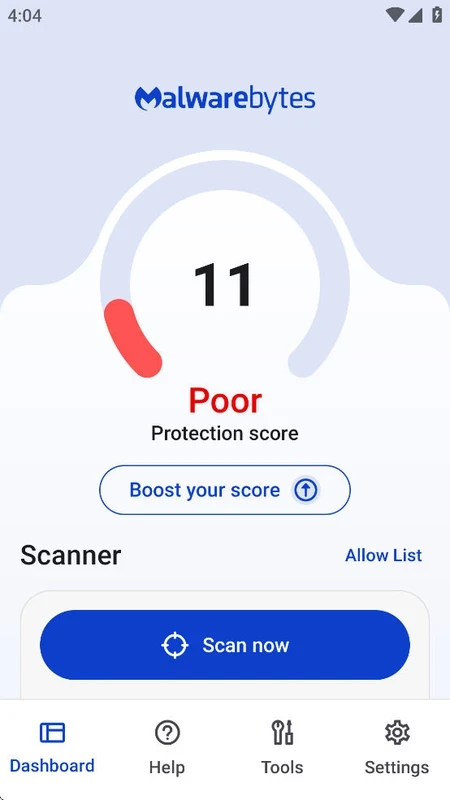
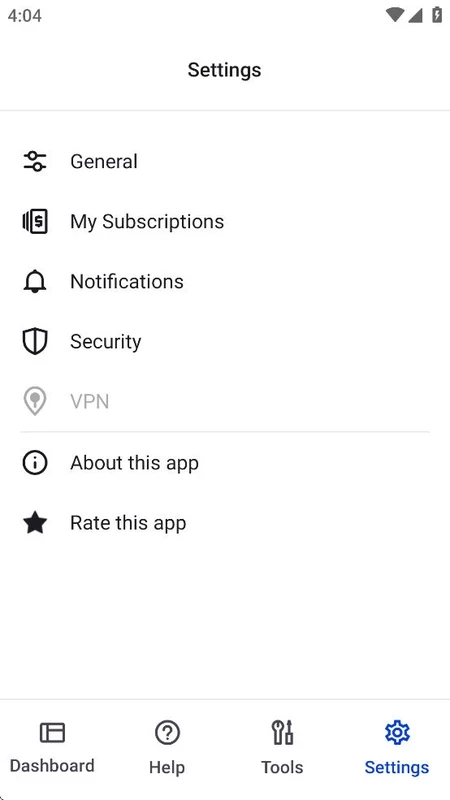
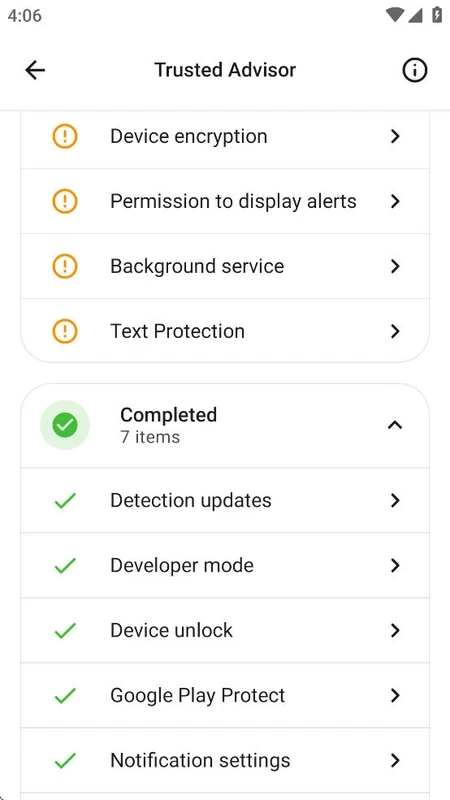
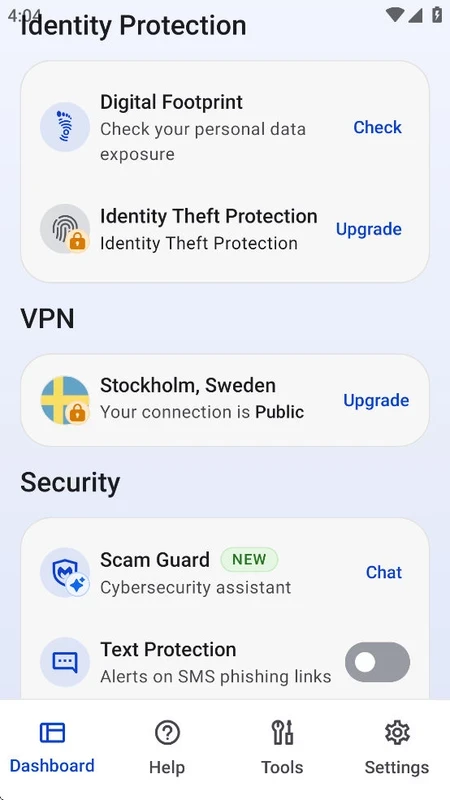
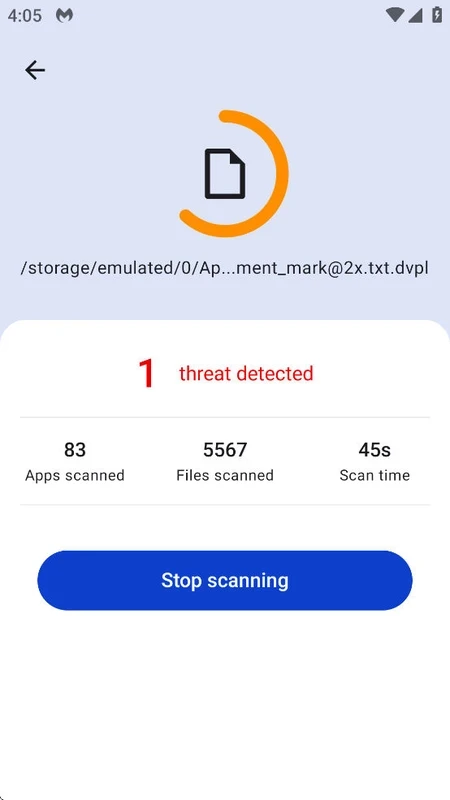
About Malwarebytes
Malwarebytes 5.30.0+572 for Android is the mobile edition of Malwarebytes' anti-malware software, and you can download it free from Google Play. It scans the phone for malicious apps, adware and potentially unwanted programs, and helps you remove what it finds.
Overview
Malwarebytes has made anti-malware software since January 2006, starting on Windows and later expanding to macOS, ChromeOS, iOS and Android. The Android app follows the same approach as the desktop product: rather than trying to be a full security suite with dozens of extras, it concentrates on finding and removing threats. A scan looks through installed apps and files for known malware, ransomware and adware, as well as apps that are not strictly malicious but behave badly, such as aggressive ad networks or tools that show pop-ups over other apps. After the scan you get a clear list of findings with the option to uninstall each one. Many people install it after something strange happens: sudden full-screen ads, a browser that keeps redirecting, or battery drain nobody can explain. Others keep it as a second opinion next to the protection built into Android.
App details
| Version | 5.30.0+572 |
|---|---|
| Developer | Malwarebytes |
| Platform | Android |
| License | Freeware with paid upgrade |
| Updated | September 2026 |
| Size | about 35.96 MB according to catalogue data |
Installing Malwarebytes on Android
- Open Google Play and search for Malwarebytes.
- Check that the developer is Malwarebytes and tap Install.
- Open the app and grant the permissions it needs to scan storage and apps.
- Run a first full scan and review the results.
More about the product is on malwarebytes.com, and updates are summarised in the official release history.
Requirements
Google Play checks whether your device is supported. The app is light, so it runs well on older phones too.
Safety tips beyond the scanner
An anti-malware app is only one layer. Install apps from Google Play or the developer's official site, keep Android and your apps updated, and be wary of apps that ask for accessibility or device administrator permissions without a clear reason; those permissions are a favourite of banking trojans. If Malwarebytes flags an app you use every day, check where you downloaded it before deciding to keep it.
If the scanner finds something
Remove the flagged app, then restart the phone and scan again to confirm it is gone. If the same threat keeps coming back, check the list of device administrator apps in Android settings and revoke anything unfamiliar before uninstalling. As a last resort, back up photos and contacts and reset the phone to factory settings.
Price
Scanning and removal are free. A paid subscription adds real-time protection and other premium features, and there is usually a trial period.
Pros and cons
- Pro: focused scanner with clear results.
- Pro: lightweight and easy to use.
- Con: automatic real-time protection requires a subscription.
- Con: frequent reminders to upgrade in the free version.
Related tools
For Windows PCs, the same company offers Malwarebytes Malware Protection, and the desktop tool AdwCleaner targets adware and unwanted programs.